Professional CV Template
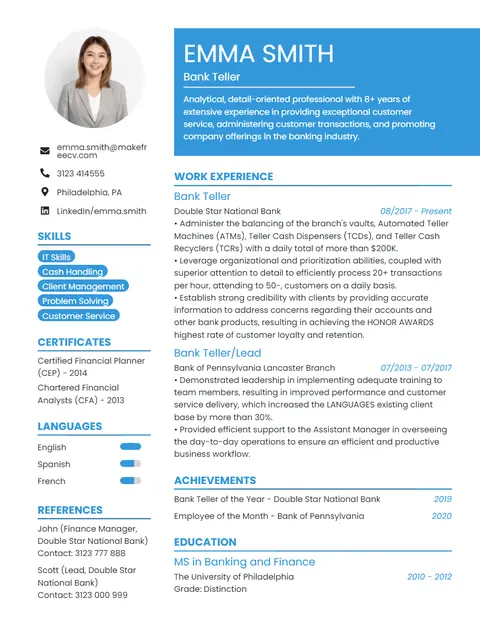
A clean two-column CV with a blue header, photo and a skills sidebar. Our most popular template for office, banking, sales and admin jobs.
With photoTwo-column
14 professionally designed templates you can edit online and download as a PDF in minutes. Every template is free — no sign up, no payment and no watermark.
A clean two-column CV with a blue header, photo and a skills sidebar. Our most popular template for office, banking, sales and admin jobs.
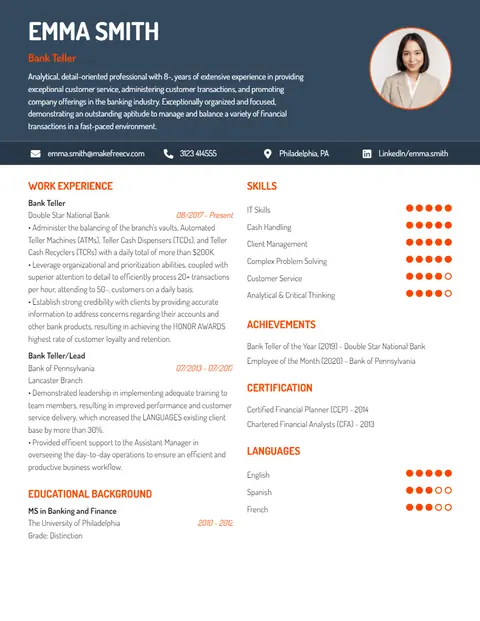
A dark header with a round photo, orange accents and dot-style skill ratings. Built to stand out for marketing, design and media roles.
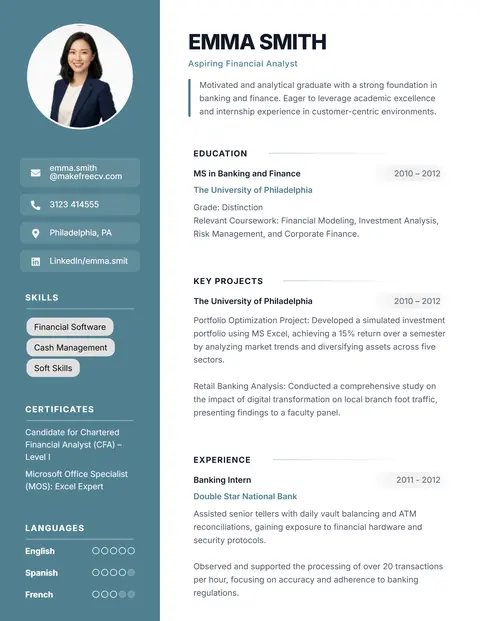
Puts education, projects and skills before work experience. Perfect for students, interns and freshers applying for their first job.
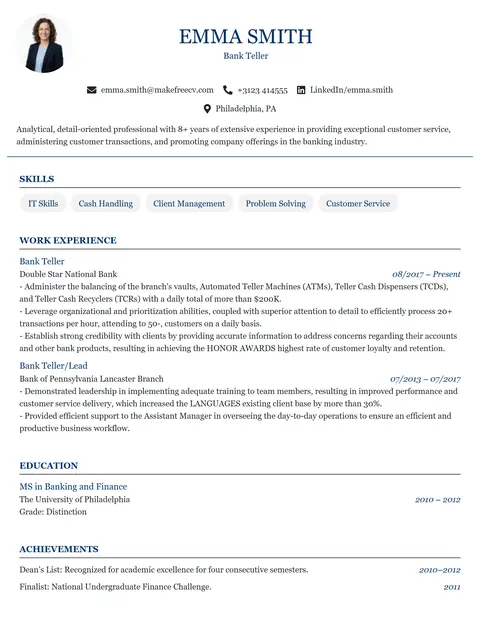
A classic single-column CV with a centred header. Ideal for research, teaching, PhD and scholarship applications that run to several pages.
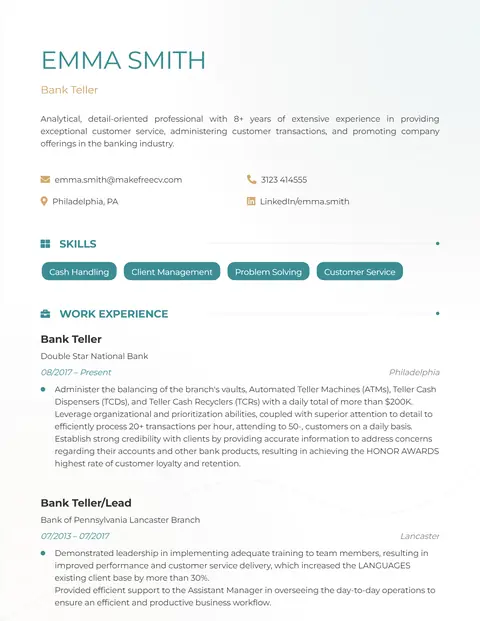
A light, single-column CV with no photo and teal headings. A safe, ATS-friendly choice for finance, data, consulting and IT jobs.
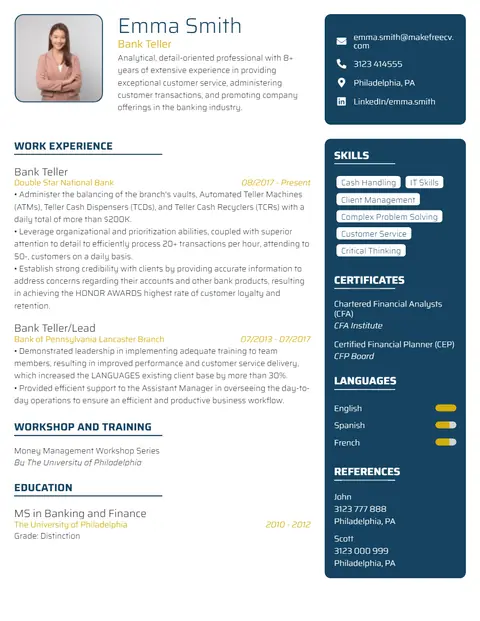
A modern CV with a dark right-hand sidebar for skills, certifications and languages. Designed for software, IT and engineering profiles.
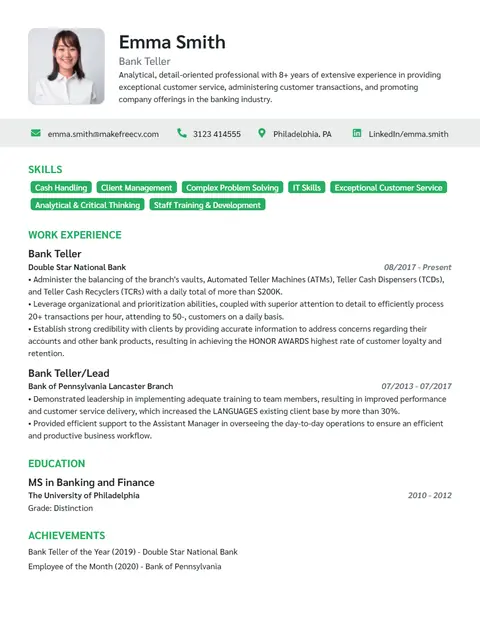
A polished single-column CV with skill tags under the header. Made for managers, directors and senior professionals.
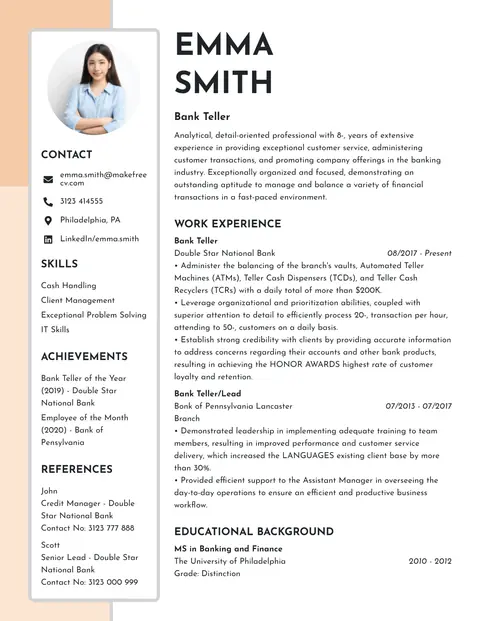
A soft beige sidebar with a large name and photo. Elegant, minimal and suitable for almost any corporate or formal application.
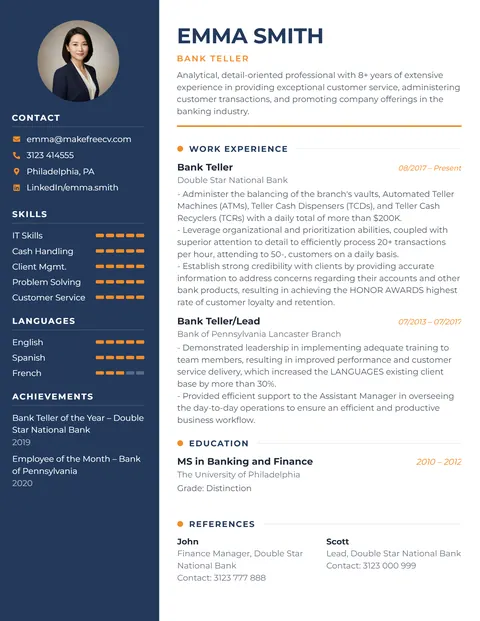
A navy sidebar with personal info and skills, plus orange highlights. A modern classic that suits most industries.
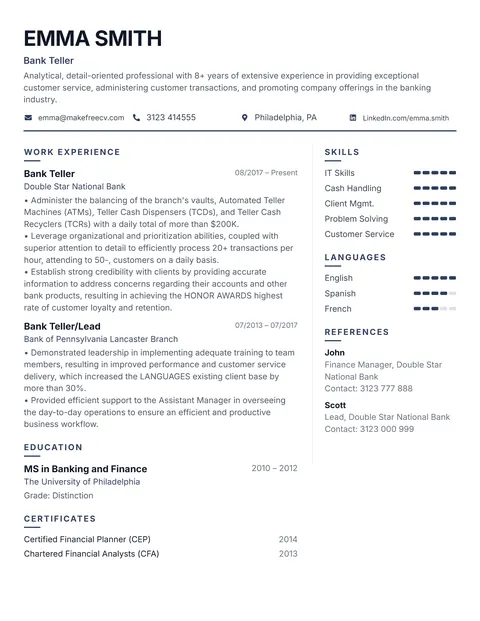
A simple CV with one typeface and no photo, so recruiters focus purely on your content.
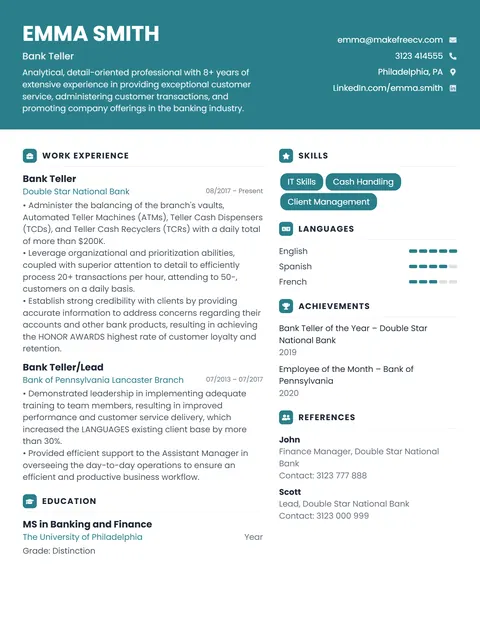
A teal header and tidy sections make this basic CV format easy to read and quick to fill in.
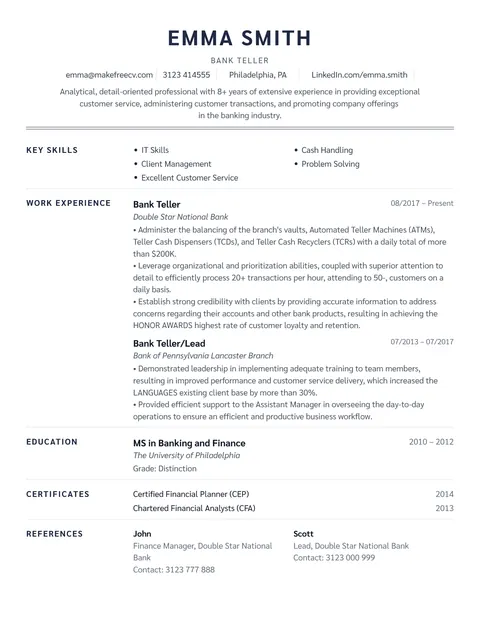
A centred, traditional one-page resume with no photo or graphics. One of our most ATS-friendly resume formats.
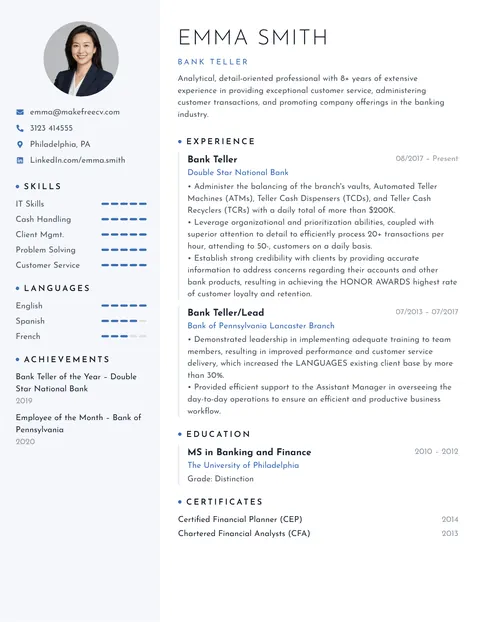
A clean, concise CV with lots of white space, a light sidebar and blue accents.
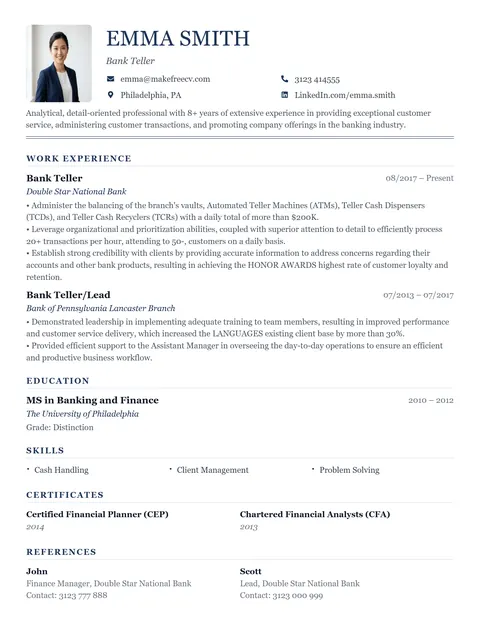
A formal single-column CV with serif fonts, perfect for detailed CVs and traditional employers.
Layout, photo support and ATS suitability at a glance.
| Template | Layout | Photo | ATS | Best for |
|---|---|---|---|---|
| Professional | Two-column | Yes | Good | Office, admin and banking roles |
| Creative | Two-column | Yes | Design-led | Marketing, design, media and content roles |
| Intern | Two-column | Yes | Good | Students and recent graduates |
| Academic | Single-column | Yes | Excellent | Lecturers, teachers and researchers |
| Analyst | Single-column | No | Excellent | Finance, accounting and data analyst roles |
| Tech | Two-column | Yes | Good | Software developers and IT support |
| Executive | Single-column | Yes | Excellent | Managers, heads of department and directors |
| Neutral | Two-column | Yes | Good | Corporate and administrative jobs |
| Modern | Two-column | Yes | Good | Most industries and experience levels |
| Classic | Two-column | No | Good | Conservative industries such as law and accounting |
| Basic | Two-column | No | Good | First-time CV writers |
| Strong | Single-column | No | Excellent | Online applications through job portals |
| Minimalist | Two-column | Yes | Good | Professionals who prefer understated design |
| Traditional | Single-column | Yes | Excellent | Government and public-sector jobs |
The best resume template is the one that makes your strongest information easy to find. Use these three questions to decide.
If you upload your CV to a job portal or a large company's careers site, it will probably be read by an ATS first. Choose a single-column template marked ATS-friendly. If you are emailing a recruiter or handing your CV over in person, a two-column or creative design is fine.
In the UAE, Saudi Arabia, Qatar, India, Pakistan and much of Europe and Asia, a professional photo is common. In the USA, UK, Canada and Australia, leave the photo out to avoid bias. Our CV with photo guide explains the rules by country.
Still unsure? The Professional template works for most jobs.
Use ProfessionalYes. All 14 CV and resume templates are free to edit and download as a PDF. There is no sign up, no subscription and no watermark.
Single-column templates without graphics are the safest for applicant tracking systems. Choose Strong, Analyst, Academic, Executive or Traditional. See our ATS resume builder guide.
The Intern template puts education, projects and skills first, so it works well for students and freshers. The Basic and Classic templates are also good one-page options. Read resume for freshers for examples.
Templates are edited online and downloaded as PDF, which keeps the layout identical on every device and is what most employers and job portals prefer. You can also export your CV as an image from the editor's "More" menu.
Yes. Use the colour picker to recolour the whole template, add or remove sections, drag sections into a new order and add extra pages.
Yes. Switch between A4 (used in most countries) and US Letter (USA and Canada) from the Size menu before you download.