About the Tech CV template
The Tech CV template places experience, workshops and education in a wide left column and a dark navy sidebar on the right for skills, certifications, languages and references. Skill tags make your tech stack visible at a glance.
- Layout: Two-column
- Photo: Yes (optional)
- ATS suitability: Good
- Formats: PDF (A4 / US Letter), image
Best for
- Software developers and IT support
- Engineers and technicians
- Data, cloud and cybersecurity roles
- Technical project managers
Tips for this template
- List languages, frameworks and tools as separate skill tags.
- Link to your GitHub or portfolio in the contact block.
- Describe projects with the problem, your solution and the measurable result.
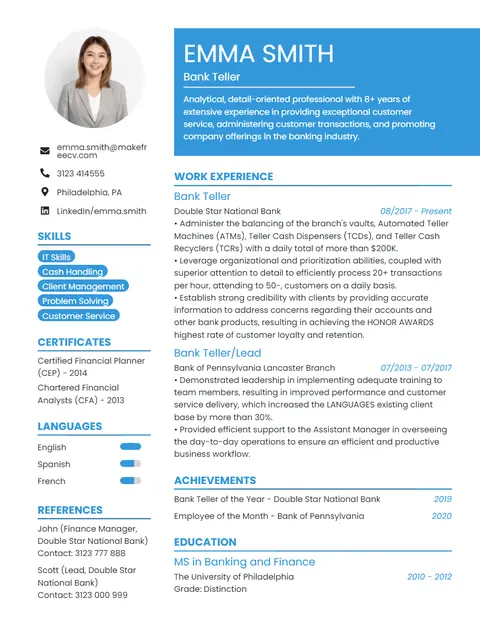
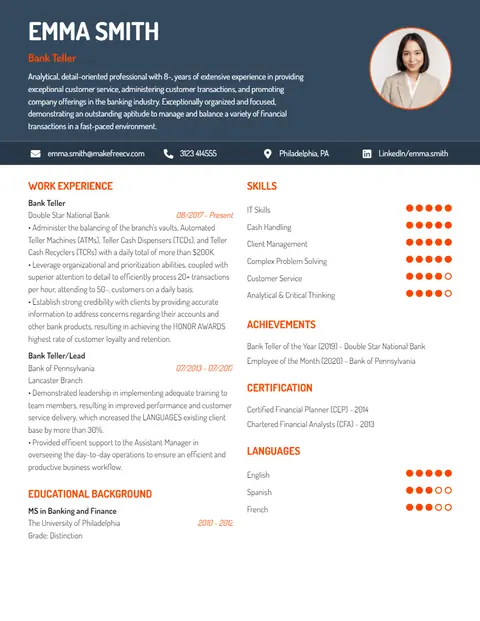
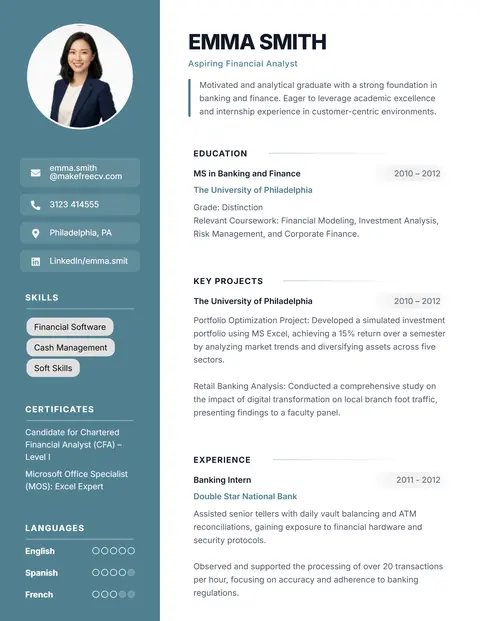
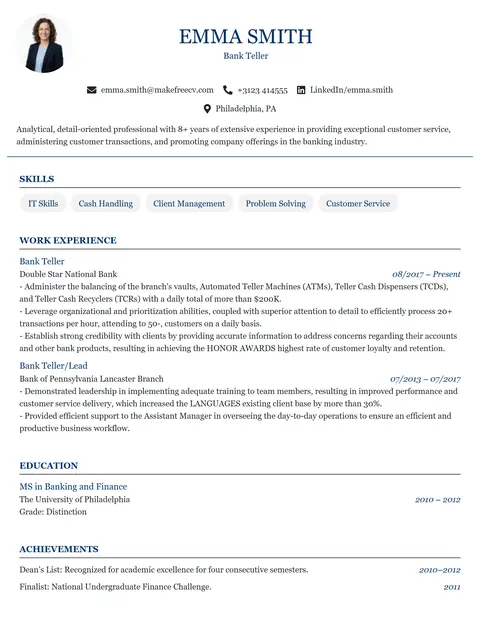
Similar free CV templates
Browse all 14 free resume templates →
Frequently asked questions
Is the Tech CV template free?
Yes. You can edit the Tech template and download it as a PDF for free, with no sign up, no payment and no watermark.
Is the Tech template ATS-friendly?
Yes, it exports selectable text that ATS software can read. For the most cautious employers, a single-column template such as Strong or Analyst is the safest choice.
Can I add a photo to the Tech template?
Yes. Click the photo placeholder in the editor to upload your own picture, or delete it if you are applying in a country where photos are not expected.
How do I download my CV?
Click Download PDF in the toolbar above the CV, then Download PDF Now. Choose A4 or Letter from the Page size menu first. Your details are never uploaded to our servers.
Will I lose my CV if I close the page?
No. Your CV is saved automatically in this browser as you type and is restored when you come back to this template on the same device. Click Start over in the toolbar to clear it.
Privacy: everything you type on this page stays in your browser and is not collected or uploaded by MakeFreeCV. It is autosaved only in this browser’s local storage so you can continue later; use Start over to delete it. See our Privacy Policy.