About the Executive CV template
The Executive CV template gives senior candidates room to show impact. A full-width layout carries a concise header, highlighted core skills, then experience, education and achievements. It reads well both for people and for ATS software.
- Layout: Single-column
- Photo: Yes (optional)
- ATS suitability: Excellent
- Formats: PDF (A4 / US Letter), image
Best for
- Managers, heads of department and directors
- Professionals with 10+ years of experience
- Board and leadership applications
- Consulting and finance leadership
Tips for this template
- Lead with results: revenue, budgets, team size and growth.
- Summarise early-career roles in one line each.
- Keep a strong 3-4 line executive summary at the top.
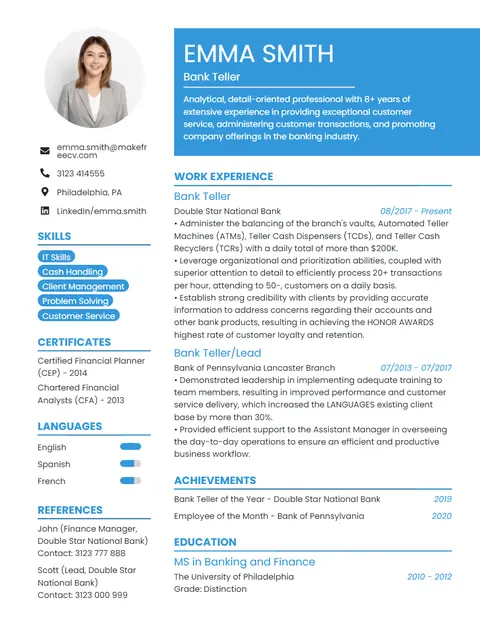
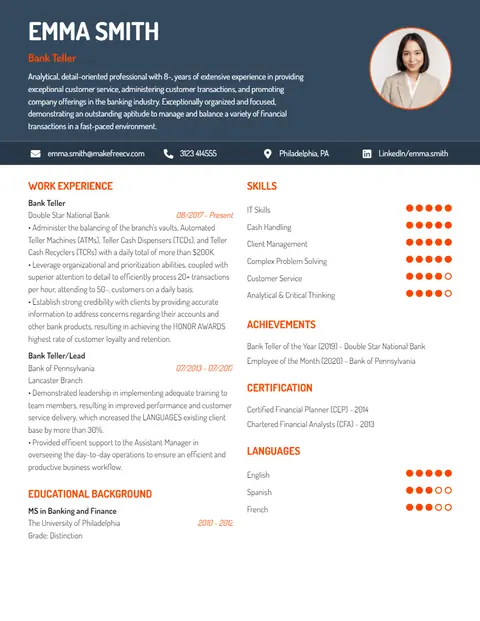
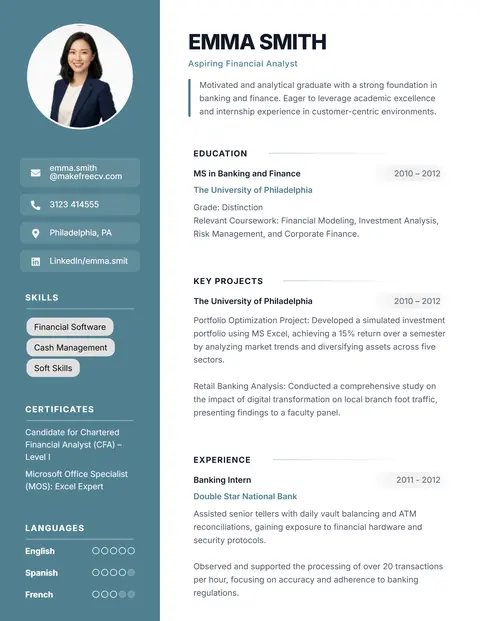
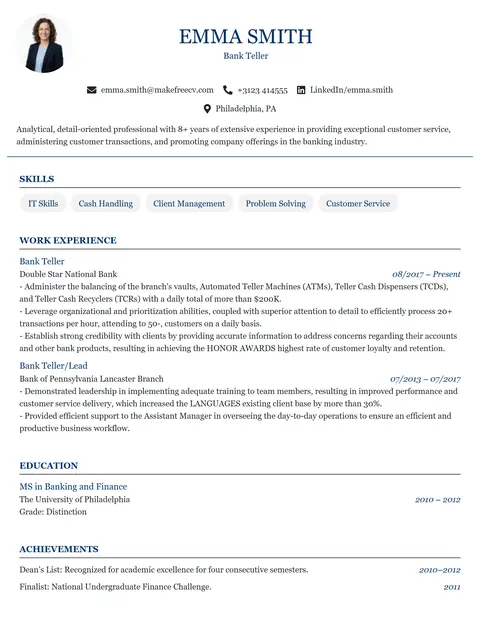
Similar free CV templates
Browse all 14 free resume templates →
Frequently asked questions
Is the Executive CV template free?
Yes. You can edit the Executive template and download it as a PDF for free, with no sign up, no payment and no watermark.
Is the Executive template ATS-friendly?
Yes. It is a single-column layout with standard headings and selectable text, which is the format applicant tracking systems read most reliably.
Can I add a photo to the Executive template?
Yes. Click the photo placeholder in the editor to upload your own picture, or delete it if you are applying in a country where photos are not expected.
How do I download my CV?
Click Download PDF in the toolbar above the CV, then Download PDF Now. Choose A4 or Letter from the Page size menu first. Your details are never uploaded to our servers.
Will I lose my CV if I close the page?
No. Your CV is saved automatically in this browser as you type and is restored when you come back to this template on the same device. Click Start over in the toolbar to clear it.
Privacy: everything you type on this page stays in your browser and is not collected or uploaded by MakeFreeCV. It is autosaved only in this browser’s local storage so you can continue later; use Start over to delete it. See our Privacy Policy.