Free CV Maker: create a professional CV online in minutes
MakeFreeCV is a free online CV builder. Choose a template, fill in your details and download a polished CV as a PDF — no sign up, no login, no payment and no watermark, ever.
- No sign up
- No payment
- No watermark
- Instant PDF download
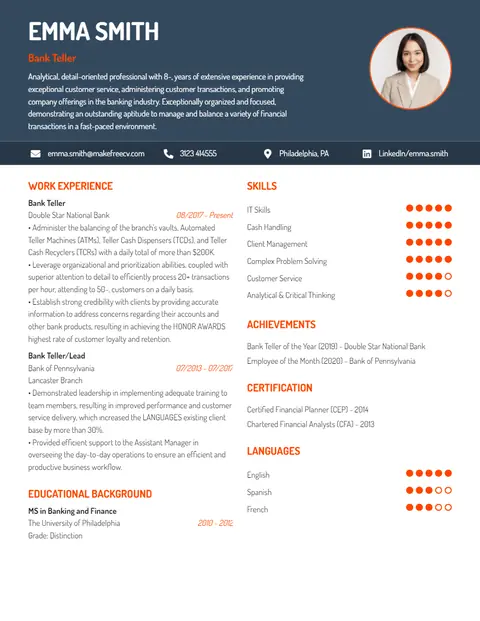
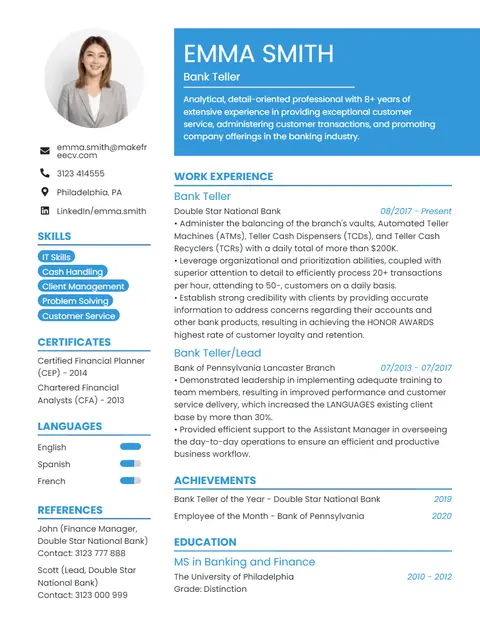
Choose a CV template
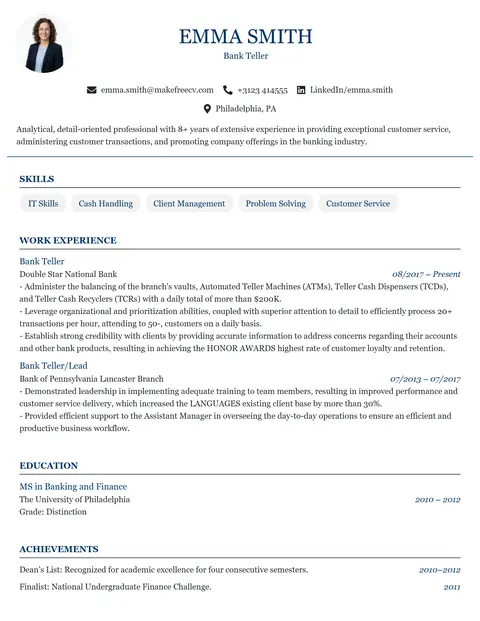
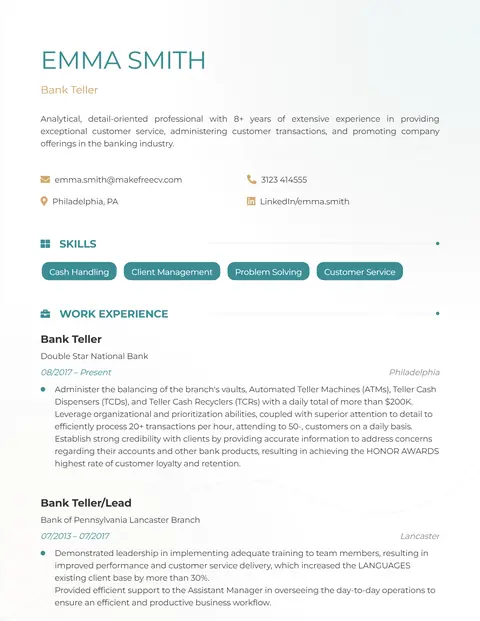
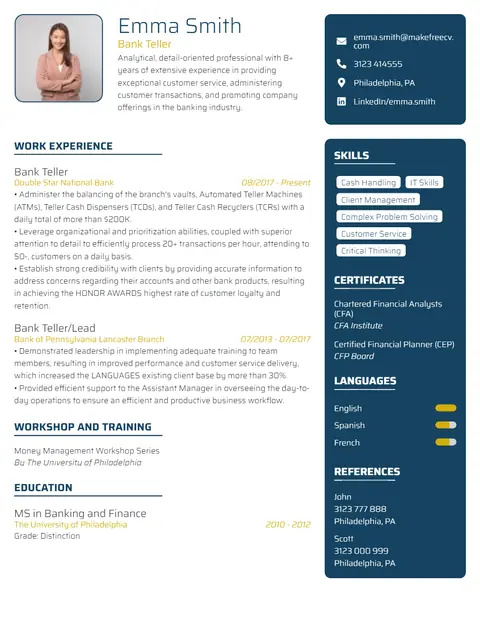
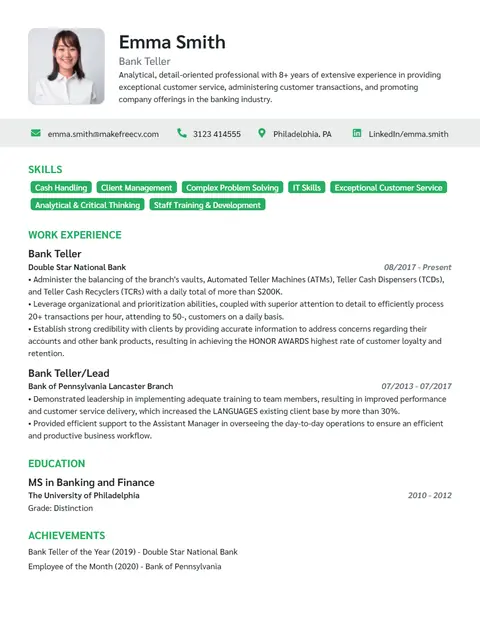
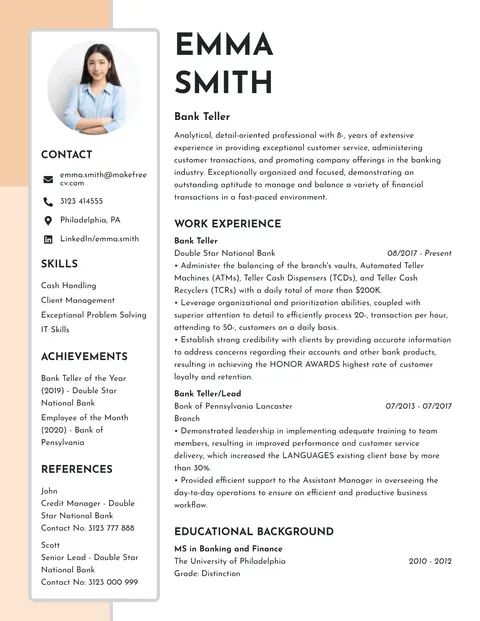
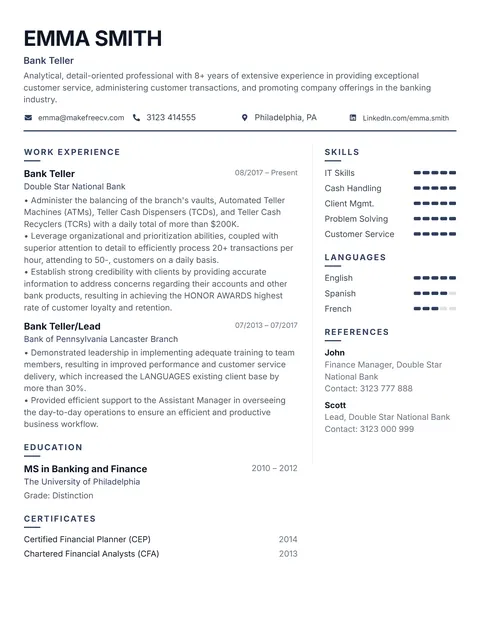
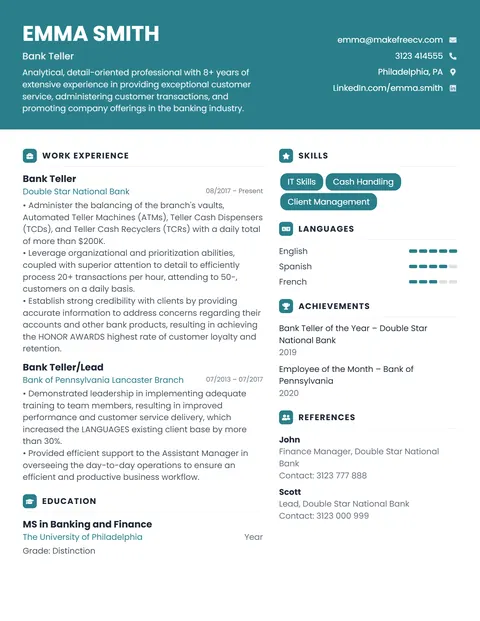
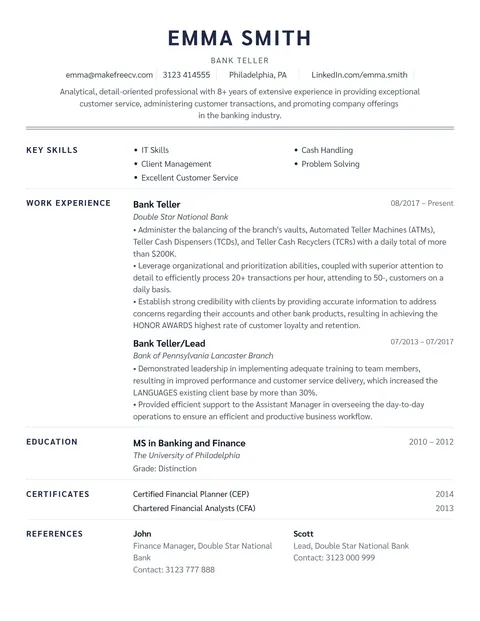
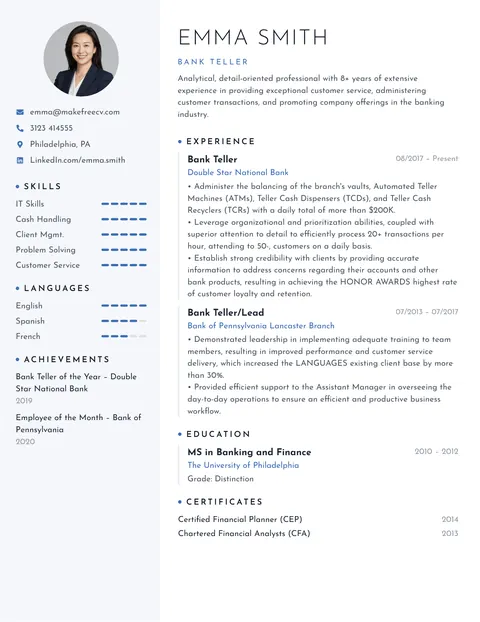
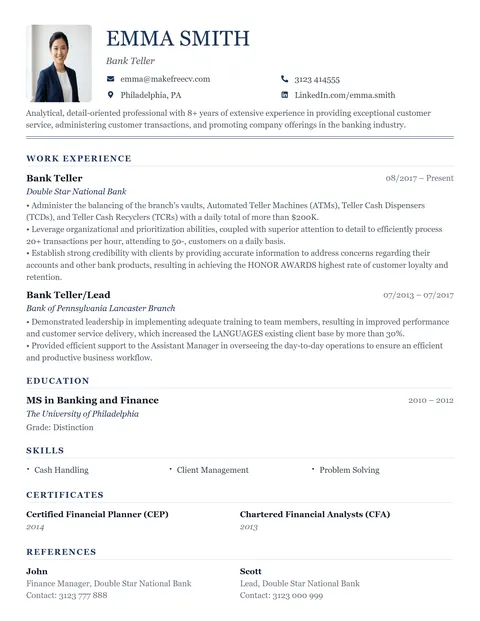
Swipe through all 14 free CV templates. Tap the magnifier to preview, or pick one to start editing. Not sure? Professional suits most jobs.
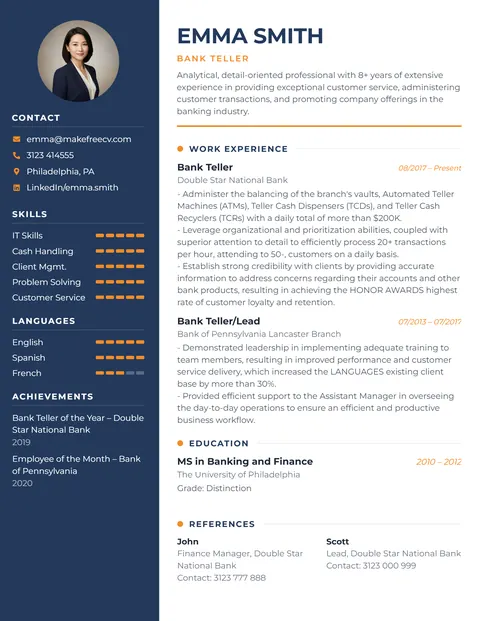
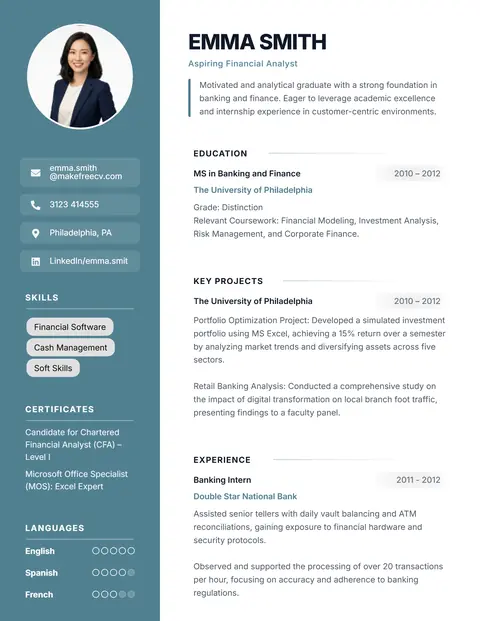
How to make a free CV online in 3 steps
Most people finish their CV in 15–20 minutes. You edit directly on the page, so what you see is exactly what you download.
Choose a template
Pick a design that fits your industry and experience level — professional, modern, creative, ATS-friendly or fresher.
Add your details
Click any text to edit it. Add or remove sections, drag them into order, upload a photo and change the colour.
Download as PDF
Click Download PDF to get a high-quality PDF in A4 or US Letter size. Email it or upload it to any job portal.
MakeFreeCV at a glance
MakeFreeCV is a free online CV maker and resume builder, available since 2021. It lets anyone create a professional CV in the browser and download it as a PDF without creating an account.
- Price
- 100% free – no trial, no paid download, no watermark
- Account
- Not required (no sign up, no login, no email)
- Templates
- 14 CV & resume templates (10 with photo, 5 ATS-friendly single-column)
- Download
- PDF with selectable text, A4 or US Letter; image export
- Privacy
- CV details are processed in your browser and never uploaded
- Autosave
- Your CV is saved in your own browser as you type, so you can continue later
- Works on
- Any modern browser on desktop, tablet or phone
- Last updated
Why job seekers use MakeFreeCV
Many "free" CV builders and resume makers ask for your email, then charge you at the download step. Our CV creator doesn't.
No sign up or login
No account, no email, no password. Open a template and start writing.
Free PDF download
Download as many times as you like. No paywall, no watermark, no trial.
Private by design
Your CV is built in your browser. We never upload or store your personal details.
Edit on the page
Like a simple CV form, but you type straight onto the real CV, so the PDF looks exactly like the preview.
ATS-readable text
PDFs keep selectable text so applicant tracking systems can read your CV.
Multi-page CVs
Add extra pages for long careers, academic CVs, projects and publications.
Your colours
Recolour any template with the colour picker to match your style or industry.
Photo or no photo
Ten templates support a photo; four photo-free designs for the UK, USA and Canada.
MakeFreeCV vs typical "free" resume builders
| Feature | MakeFreeCV | Typical "free" builder |
|---|---|---|
| Create a CV without login | Yes | Account required |
| Download PDF for free | Always free | Often paid or trial |
| Watermark on the CV | Never | Sometimes |
| Your data stored on servers | No | Usually yes |
| Hidden subscription | None | Common |
Find the right CV for your situation
Different jobs and countries expect different CVs. Start with the guide that matches you.
Freshers & students
No experience yet? Use a CV format that puts education, projects and skills first.
Resume for freshers →Online job portals
Applying through LinkedIn, Naukri, Indeed or Bayt? Make an ATS-friendly resume.
ATS resume builder →CV with photo
Applying in the Gulf, Asia or Europe? Learn when to add a photo and how.
CV maker with photo →Professional CV format
The sections, order, length and fonts recruiters expect in 2026.
CV format guide →What to include in your CV
Whichever template you choose, a strong CV answers one question fast: can this person do the job? Recruiters typically skim a CV in under 10 seconds, so put the most relevant information at the top.
- Contact details – name, phone, professional email, city and LinkedIn. No need for your full address.
- Professional summary – 2–4 lines on who you are, your experience and what you offer.
- Work experience – most recent first, with 3–5 bullet points of achievements per role.
- Education – degree, institution and year. Freshers can add grades and projects.
- Skills – hard skills from the job advert plus a few relevant soft skills.
- Extras – certifications, languages, awards, volunteering or publications.
Want the full walkthrough with examples? Read how to write a CV or check the professional CV format guide.
Free CV maker: frequently asked questions
What is a CV maker?
A CV maker (also called a CV builder, CV creator or CV generator) is an online tool that turns your details into a professionally formatted CV. With MakeFreeCV you pick a template, type directly on the CV like a simple form, and download the result as a PDF.
Is MakeFreeCV really free?
Yes. Every template, every feature and every PDF download is free. There is no trial, no "pay to download" step and no watermark on your CV. The site is supported by a few ads, which is why we can keep the CV maker free.
Do I need to sign up or log in?
No. You can make a CV without login, without an email address and without creating an account. Pick a template and start typing straight away.
How do I download my CV as a PDF?
When your CV is ready, click Download PDF in the editor toolbar. The PDF downloads immediately in A4 or US Letter size, ready to email or upload to job portals.
Is my personal information safe?
Your CV is built entirely in your web browser. The details you type are not uploaded to or stored on our servers. Your progress is saved automatically in your own browser (not on our servers), so you can close the tab and continue later on the same device. Use Start over in the editor to clear it.
Can I save my CV and edit it later?
Yes. MakeFreeCV autosaves your CV in your browser as you type, and restores it when you reopen the same template on the same device and browser. It is never uploaded to our servers. Private/incognito windows and clearing your browser data remove the saved copy, so keep your downloaded PDF too.
Are the CV templates ATS-friendly?
The PDF keeps your text selectable, which applicant tracking systems need. For online applications to large companies, choose a single-column template such as Strong, Analyst or Academic. Read our ATS resume guide for more tips.
Can I make a CV with a photo?
Yes. Ten of our templates include a photo area. Click the photo in the editor to upload your own picture. See CV maker with photo for the countries where a photo is expected and where it is better left out.
Can I make a CV on my phone?
Yes, the CV maker works in mobile browsers on Android and iPhone. For the most comfortable editing, use a tablet, laptop or desktop.
Can I use MakeFreeCV as a resume builder?
Yes. The same templates work as a resume builder for the USA and Canada: choose US Letter size, remove the photo and keep it to one or two pages. See ATS resume builder for resume-specific tips.
What is the difference between a CV and a resume?
In most of the world (UK, Europe, India, Pakistan, Gulf countries, Africa) "CV" simply means the document you send with a job application. In the USA and Canada that document is called a resume and is usually shorter. Our templates work for both. Read CV vs resume for details.
Ready to make your free CV?
No sign up. No payment. Just a professional CV you can download as a PDF in minutes.
Start with the Professional template