About the Basic CV template
The Basic CV template uses a coloured header and two neat columns: experience and education on the left, contact info, skills, languages and certificates on the right. It is one of the fastest templates to complete.
- Layout: Two-column
- Photo: No
- ATS suitability: Good
- Formats: PDF (A4 / US Letter), image
Best for
- First-time CV writers
- Quick applications and walk-in interviews
- Retail, logistics and trades
- Simple one-page CVs
Tips for this template
- Fill in your experience first, then trim to fit one page.
- Use the skills block for both hard and soft skills.
- Export to PDF to keep the formatting exact.
Similar free CV templates
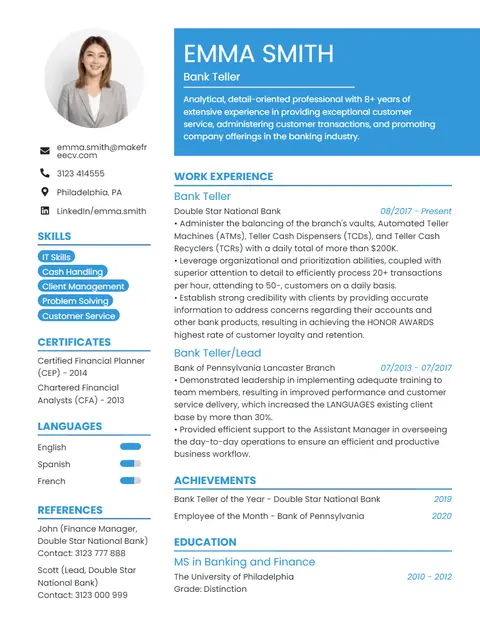
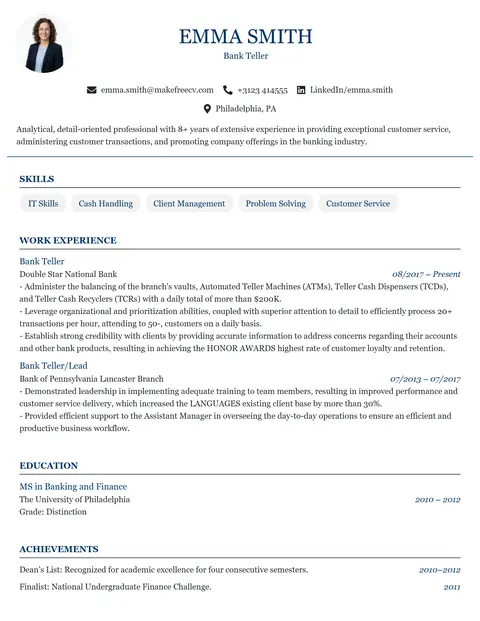
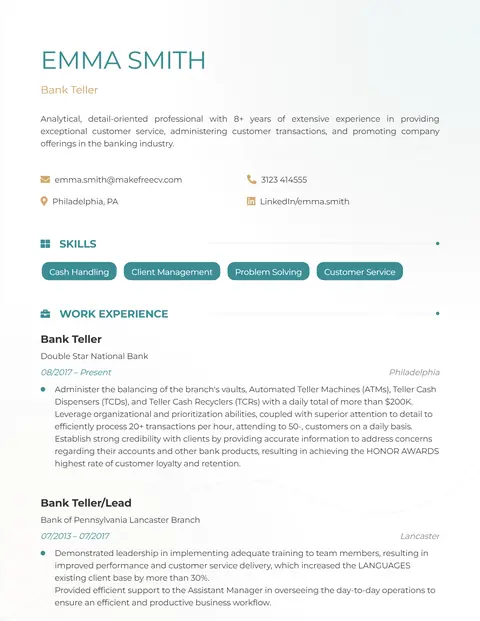
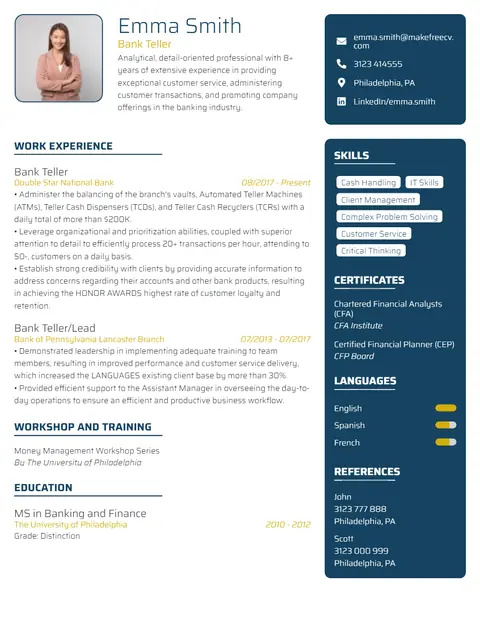
Browse all 14 free resume templates →
Frequently asked questions
Is the Basic CV template free?
Yes. You can edit the Basic template and download it as a PDF for free, with no sign up, no payment and no watermark.
Is the Basic template ATS-friendly?
Yes, it exports selectable text that ATS software can read. For the most cautious employers, a single-column template such as Strong or Analyst is the safest choice.
Can I add a photo to the Basic template?
This template is designed without a photo, which is recommended for the USA, UK, Canada and Australia. If you need a photo, try the Professional, Modern or Executive templates.
How do I download my CV?
Click Download PDF in the toolbar above the CV, then Download PDF Now. Choose A4 or Letter from the Page size menu first. Your details are never uploaded to our servers.
Will I lose my CV if I close the page?
No. Your CV is saved automatically in this browser as you type and is restored when you come back to this template on the same device. Click Start over in the toolbar to clear it.
Privacy: everything you type on this page stays in your browser and is not collected or uploaded by MakeFreeCV. It is autosaved only in this browser’s local storage so you can continue later; use Start over to delete it. See our Privacy Policy.