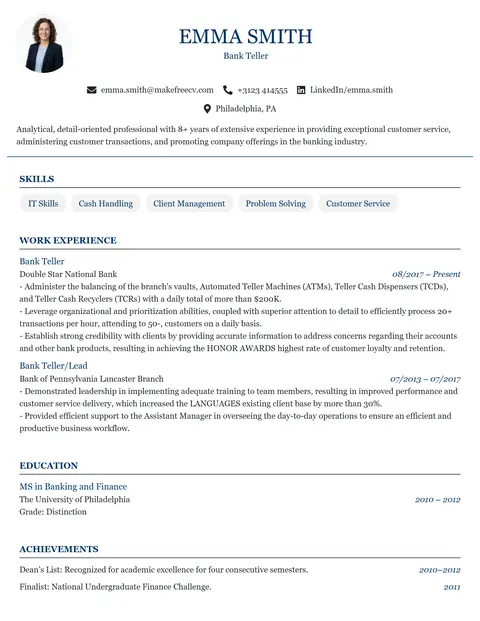
Academic CV Template
A classic single-column CV with a centred header. Ideal for research, teaching, PhD and scholarship applications that run to several pages.
ATS-friendlyWith photoSingle-column
Most large employers screen applications with an applicant tracking system (ATS) before a human sees them. Build a clean, ATS-friendly resume in minutes — free, no sign up.
These single-column templates use standard headings and no graphics in the text flow, so ATS software reads them reliably.
A classic single-column CV with a centred header. Ideal for research, teaching, PhD and scholarship applications that run to several pages.
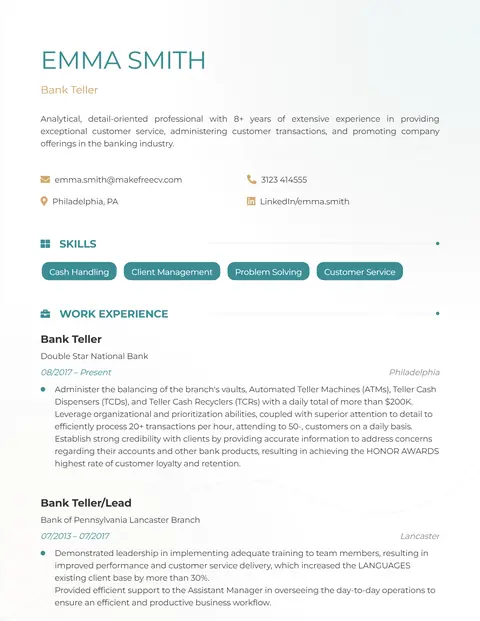
A light, single-column CV with no photo and teal headings. A safe, ATS-friendly choice for finance, data, consulting and IT jobs.
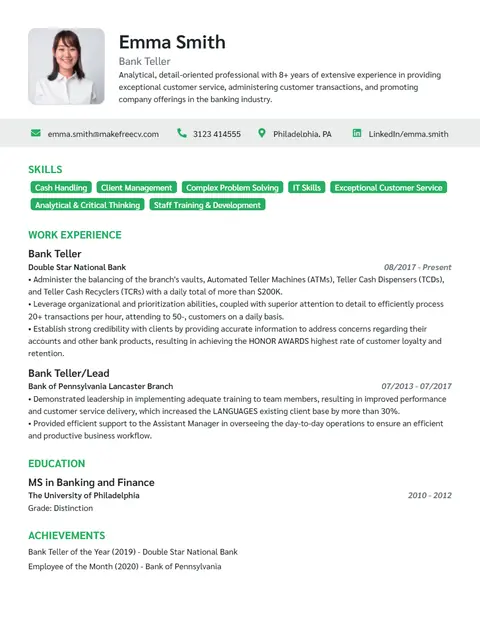
A polished single-column CV with skill tags under the header. Made for managers, directors and senior professionals.
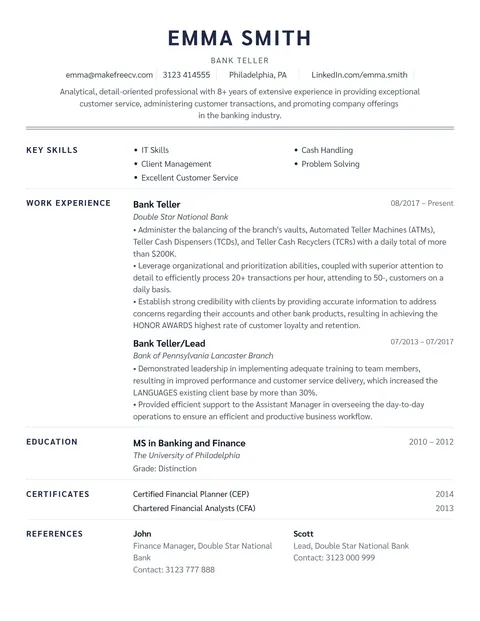
A centred, traditional one-page resume with no photo or graphics. One of our most ATS-friendly resume formats.
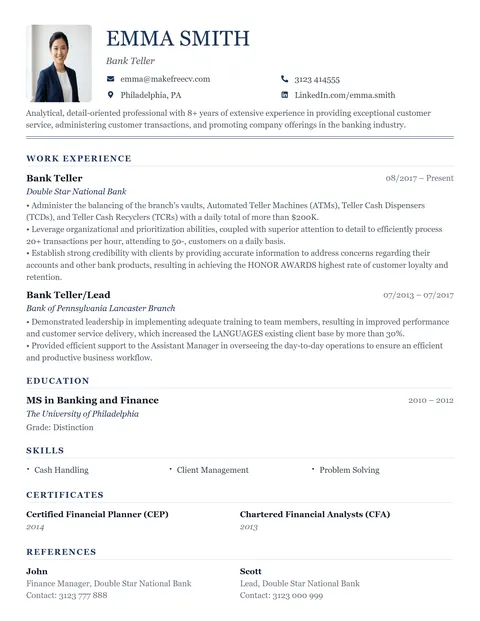
A formal single-column CV with serif fonts, perfect for detailed CVs and traditional employers.
An applicant tracking system converts your resume into plain text, splits it into fields (name, contact, job titles, companies, dates, education, skills) and then lets recruiters search and filter candidates by keywords, job titles, location and years of experience. If the parser cannot find your job titles or skills, you may never appear in the recruiter's search — even if you are qualified.
That is why formatting matters: the goal is not to "trick" the system but to make sure everything you wrote is read correctly.
Job advert says: "Accountant with IFRS, SAP FICO and month-end close experience."
Weak bullet: Handled accounts for the company.
ATS-friendly bullet: Led month-end close for 3 entities using SAP FICO, preparing IFRS-compliant reports 2 days ahead of deadline.
Ready? The Strong template is our most ATS-friendly resume.
Use the Strong templateAn ATS-friendly resume is formatted so applicant tracking systems can read it correctly: a simple single-column layout, standard section headings, selectable text, no important details in images, headers or text boxes, and keywords that match the job description.
Yes. You can build an ATS-friendly resume and download it as a PDF without signing up, logging in or paying.
Modern ATS software reads text-based PDFs well. Problems happen with scanned or image-only PDFs. MakeFreeCV exports PDFs with selectable text. If a job portal specifically asks for a Word file, follow its instructions.
Many modern systems can, but older or simpler parsers sometimes mix up the reading order of columns. If you are applying through a portal and want zero risk, use a single-column template such as Strong, Analyst, Academic, Executive or Traditional.
There is no universal ATS score — each employer's system ranks candidates differently, and "ATS score" tools only estimate keyword overlap. Focus on matching the job's key skills and job title honestly, and on a clean format.
A photo does not stop ATS from reading your text, but in the USA, UK, Canada and Australia photos are discouraged. Use a no-photo template like Strong or Analyst for those markets.