About the Traditional CV template
The Traditional CV template uses serif typography and a formal single-column structure with room for work experience, education, certificates and references. It suits detailed CVs and employers who prefer a conventional format.
- Layout: Single-column
- Photo: Yes (optional)
- ATS suitability: Excellent
- Formats: PDF (A4 / US Letter), image
Best for
- Government and public-sector jobs
- Law, banking and academia
- Detailed multi-page CVs
- Formal applications
Tips for this template
- Use full sentences sparingly - bullets are easier to scan.
- List certificates with the issuing body and year.
- Add a personal details section only if it is customary in your country.
Similar free CV templates
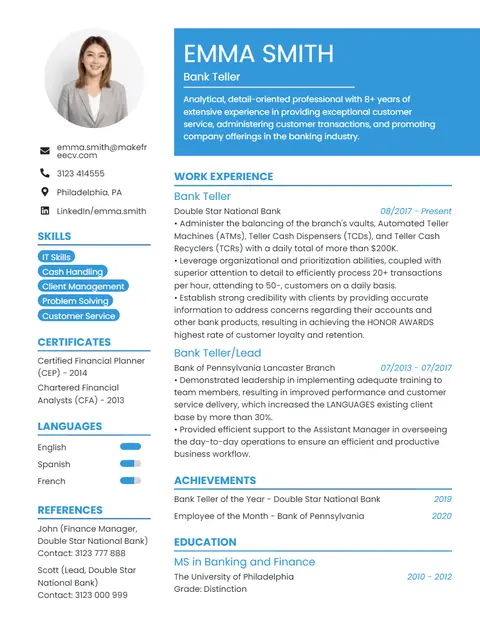
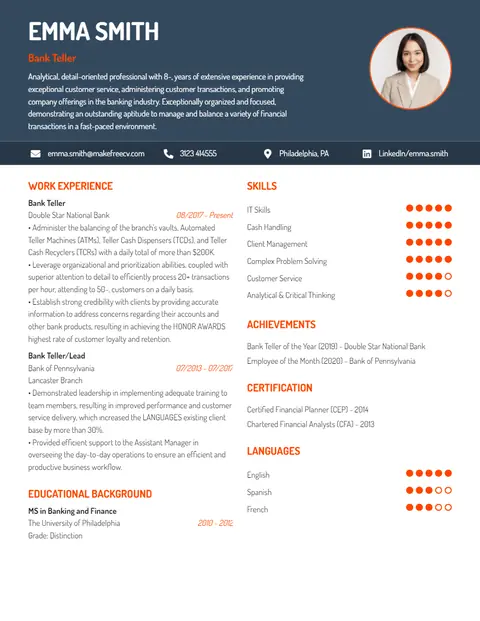
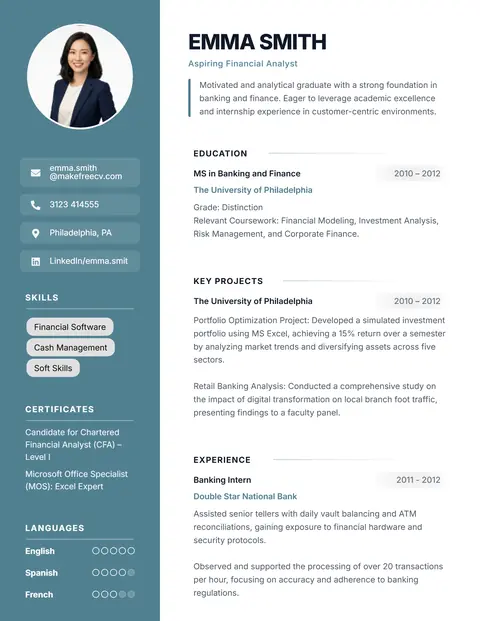
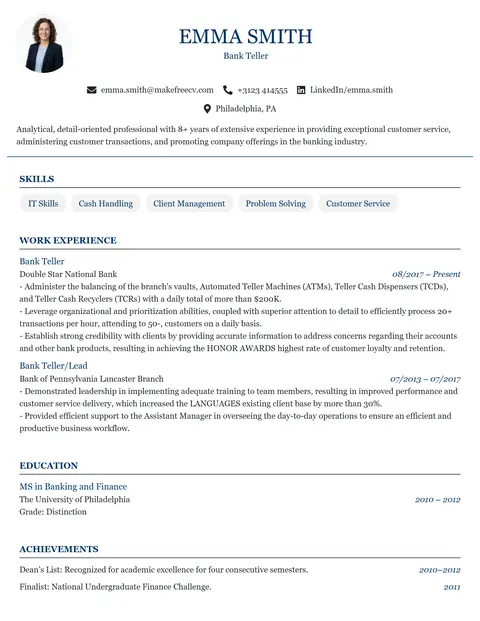
Browse all 14 free resume templates →
Frequently asked questions
Is the Traditional CV template free?
Yes. You can edit the Traditional template and download it as a PDF for free, with no sign up, no payment and no watermark.
Is the Traditional template ATS-friendly?
Yes. It is a single-column layout with standard headings and selectable text, which is the format applicant tracking systems read most reliably.
Can I add a photo to the Traditional template?
Yes. Click the photo placeholder in the editor to upload your own picture, or delete it if you are applying in a country where photos are not expected.
How do I download my CV?
Click Download PDF in the toolbar above the CV, then Download PDF Now. Choose A4 or Letter from the Page size menu first. Your details are never uploaded to our servers.
Will I lose my CV if I close the page?
No. Your CV is saved automatically in this browser as you type and is restored when you come back to this template on the same device. Click Start over in the toolbar to clear it.
Privacy: everything you type on this page stays in your browser and is not collected or uploaded by MakeFreeCV. It is autosaved only in this browser’s local storage so you can continue later; use Start over to delete it. See our Privacy Policy.