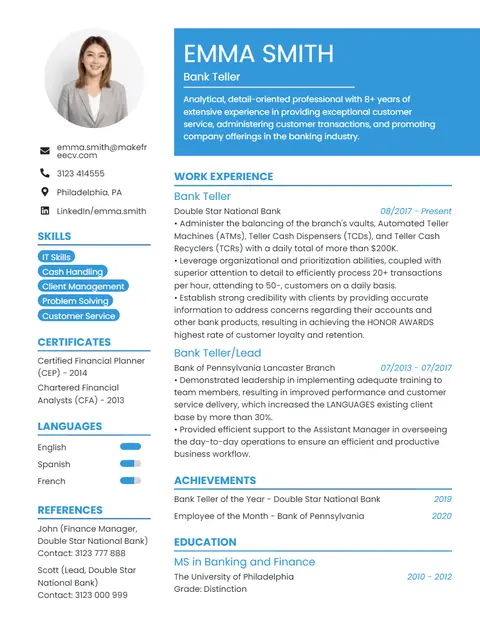
Professional CV Template
A clean two-column CV with a blue header, photo and a skills sidebar. Our most popular template for office, banking, sales and admin jobs.
With photoTwo-column
Make a professional CV with your photo in minutes. Choose one of 10 photo templates, upload your picture and download a PDF — free, with no sign up.
A clean two-column CV with a blue header, photo and a skills sidebar. Our most popular template for office, banking, sales and admin jobs.
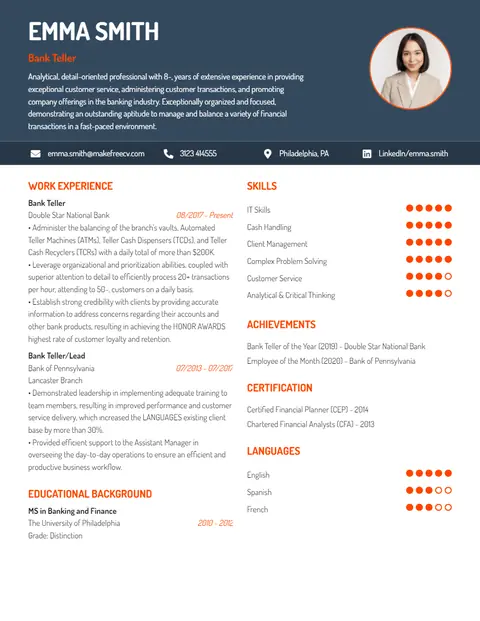
A dark header with a round photo, orange accents and dot-style skill ratings. Built to stand out for marketing, design and media roles.
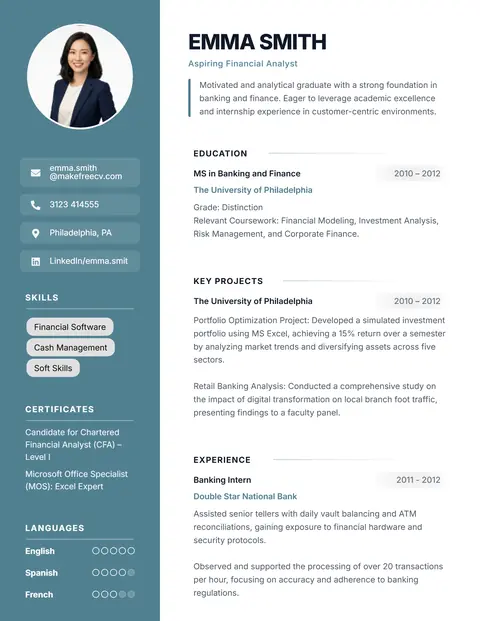
Puts education, projects and skills before work experience. Perfect for students, interns and freshers applying for their first job.
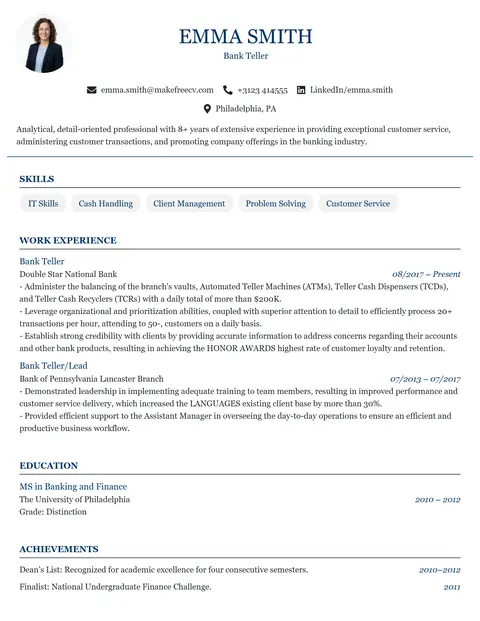
A classic single-column CV with a centred header. Ideal for research, teaching, PhD and scholarship applications that run to several pages.
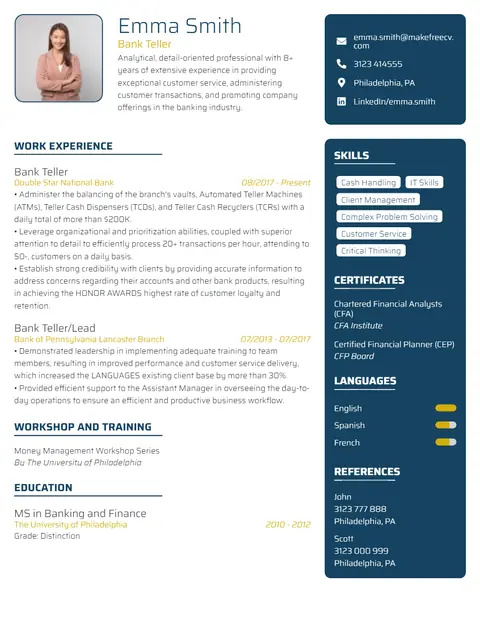
A modern CV with a dark right-hand sidebar for skills, certifications and languages. Designed for software, IT and engineering profiles.
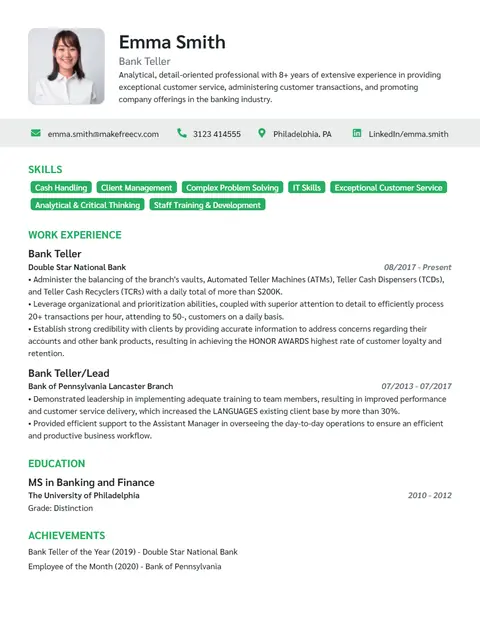
A polished single-column CV with skill tags under the header. Made for managers, directors and senior professionals.
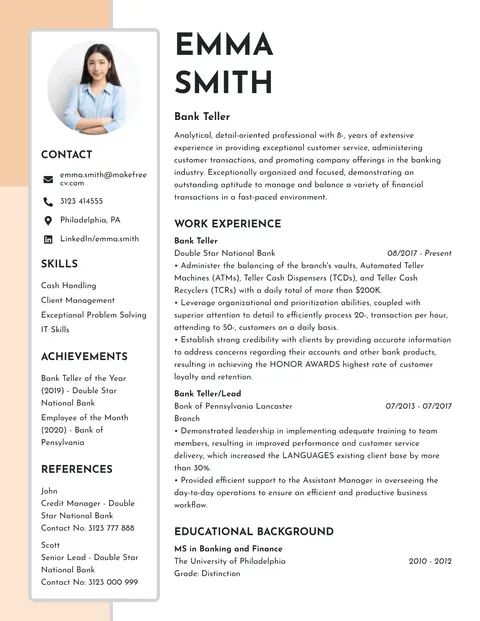
A soft beige sidebar with a large name and photo. Elegant, minimal and suitable for almost any corporate or formal application.
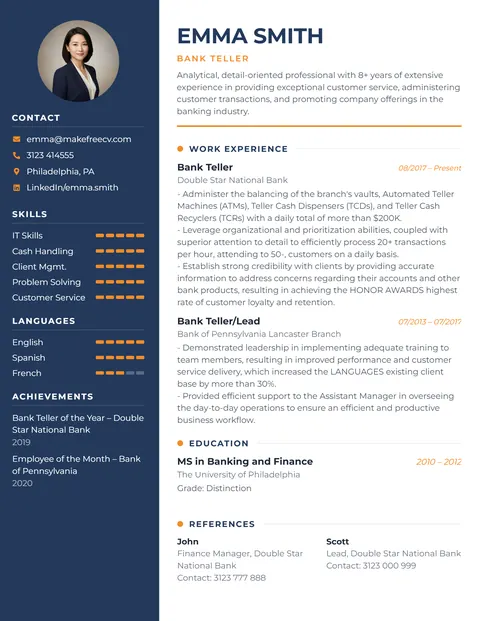
A navy sidebar with personal info and skills, plus orange highlights. A modern classic that suits most industries.
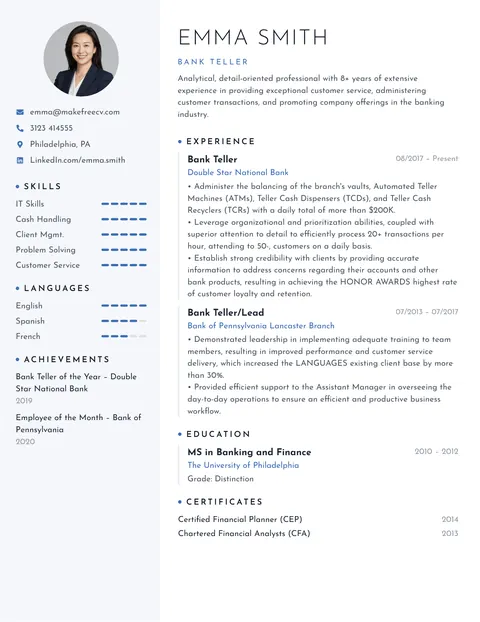
A clean, concise CV with lots of white space, a light sidebar and blue accents.
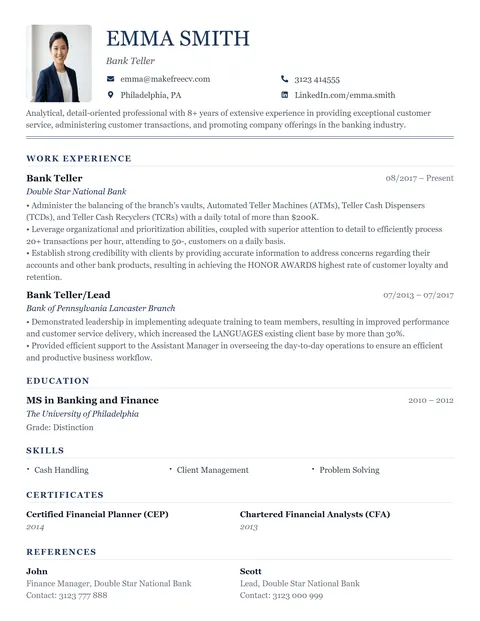
A formal single-column CV with serif fonts, perfect for detailed CVs and traditional employers.
| Country / region | Photo on CV? |
|---|---|
| UAE, Saudi Arabia, Qatar, Kuwait, Oman, Bahrain | Expected |
| India, Pakistan, Bangladesh, Sri Lanka, Nepal | Common (optional) |
| Philippines, Malaysia, Indonesia, China, Japan | Common |
| Germany, Austria, Switzerland, France, Spain, Italy | Common (optional) |
| Egypt, Morocco, Tunisia, Turkey | Common |
| South Africa, Nigeria, Kenya | Optional |
| United Kingdom, Ireland | Not recommended |
| USA, Canada, Australia, New Zealand | Avoid |
When in doubt, check the job advert or the company's careers page. Large multinational employers increasingly prefer CVs without photos to reduce bias, even in countries where photos are common. For those roles, use a photo-free template such as Analyst or Strong.
The Professional template is our most popular CV with photo.
Use ProfessionalOpen any template with a photo area, click the placeholder photo and choose an image from your phone or computer. It is placed in the photo frame automatically, and it appears in your downloaded PDF.
Yes. All photo templates are free to edit and download as a PDF, with no sign up and no watermark. Your photo stays in your browser and is not uploaded to our servers.
Add one if you are applying in the Gulf (UAE, Saudi Arabia, Qatar, Kuwait, Oman, Bahrain), most of Asia, and countries such as Germany, France or Spain where it is common. Leave it out in the USA, UK, Canada, Ireland and Australia.
A square or passport-style head-and-shoulders photo of at least 400 × 400 pixels works well. In the CV it usually appears about 3–4 cm wide.